Do I need to use AI?
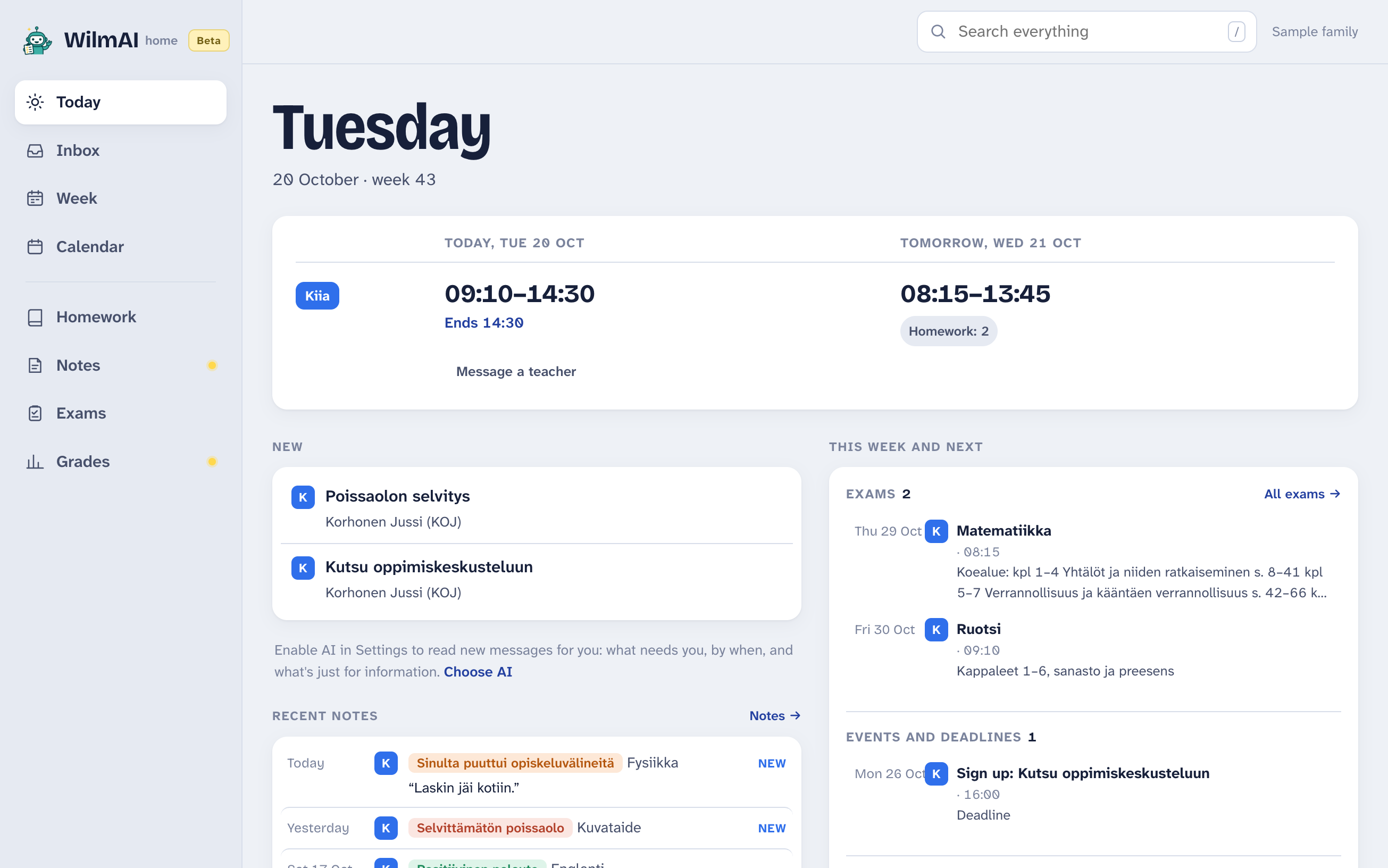
No. The app starts without AI and shows everything Wilma has. Without AI, though, nothing picks out what needs you or by when, and notifications come only for what Wilma itself flags, like sign-ups. You can turn AI on or off any time in Settings.
Can I run local AI?
If your Mac has Apple Silicon (M1 or newer) and at least 16 GB of memory, yes. Choose Local AI in Settings, and the app downloads what it needs once, 9.1 GB. It works the Mac hard, and it's slower and less accurate than OpenAI, especially with dates. On other computers the choice is greyed out.
Can students use it?
Yes. Sign in with the student's own Wilma account and choose “A student”. The app then reads things from the student's side: what they need to do themselves, not what's meant for their guardians. Sign-ups and absence reports stay with the guardians.
What does it cost?
The app is free. If you choose OpenAI, OpenAI bills your own key: in my family it has been tens of cents a month, even with me testing it all the time. The app stops at a monthly limit you set, from 50 cents to $3.
Can it translate messages?
Yes, if you choose OpenAI. Pick a language in Settings (Finnish, Swedish, English, Ukrainian or Arabic), and messages, bulletins and notes in another language are translated as they come in, titles too, with the original a click away. It usually costs a fraction of a cent a message. The app itself is in Finnish, Swedish or English.
What does OpenAI see?
Only if you choose OpenAI: one message, bulletin or note at a time, with your children's first names and classes so it can tell who it's about. With translations on, also the texts it translates. Your Wilma password never goes there. With local AI or no AI, nothing goes to an AI service.
Where is my data?
On your computer. Messages, timetables and AI answers are stored in the app so it opens instantly. There is no WilmAI server. Your Wilma password goes only to your school's Wilma; the app can remember it on your computer, scrambled, so signing in again takes one click.
Why isn't it a website?
I'd like it to be. But a website can talk to Wilma only if Visma allows it, and I don't have Visma's permission, so browsers block those requests. An app on your own computer can talk to Wilma directly, the way your browser does when you use Wilma, and your login stays with you.
Why not a phone app?
I'd like to make one, and maybe I will. But a phone app has to go through the App Store, and Visma could ask for it to be taken down, because it uses Wilma without their permission. A desktop app needs no store. It's my way of showing what a modern Wilma could look like.
How is it different from WilmAI for AI assistants?
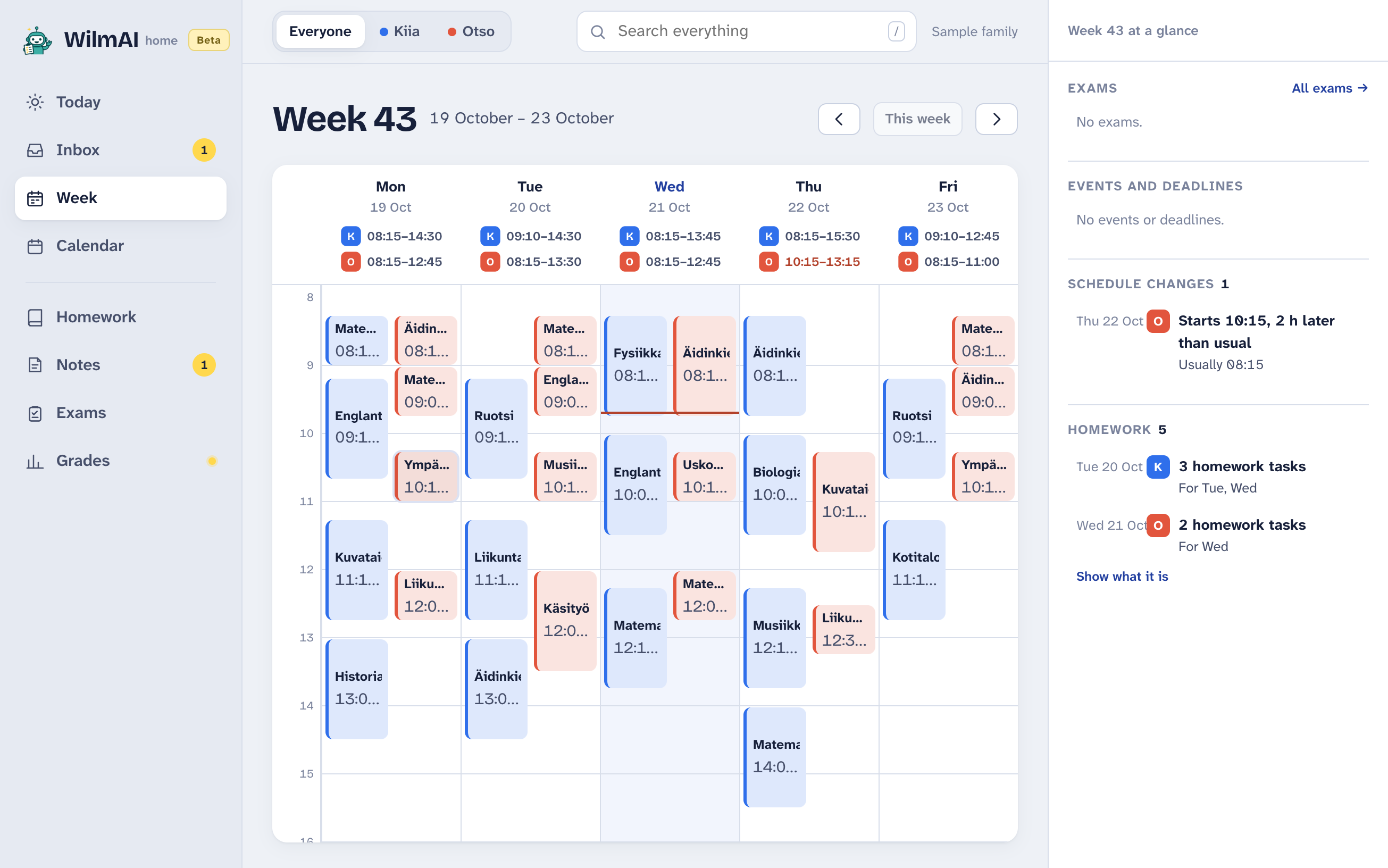
WilmAI for assistants lets Claude, ChatGPT or another assistant read Wilma for you, and it only reads. WilmAI Home is an app you use yourself, with AI or without, and it can also send replies, sign-ups and absence reports. You can use either, or both.
 WilmAI