WilmAI
← WilmAI for AI assistants

A desktop app for students and parents.

WilmAI Home

Independent project, not affiliated with Visma

WilmAI Home is an independent hobby project by a parent. It is not affiliated with, endorsed by, or connected to Visma or the official Wilma service.

School, sorted.

A fast, modern Wilma app for your computer. Today's lessons, messages, homework, exams and grades in one view, in seconds.

For Mac (Apple Silicon, macOS 13.3 or later) and Windows 10 or 11. Free and open, now in beta.

The app with a made-up sample family.

two ways to use it

Made for students and parents

For students

Everything in seconds

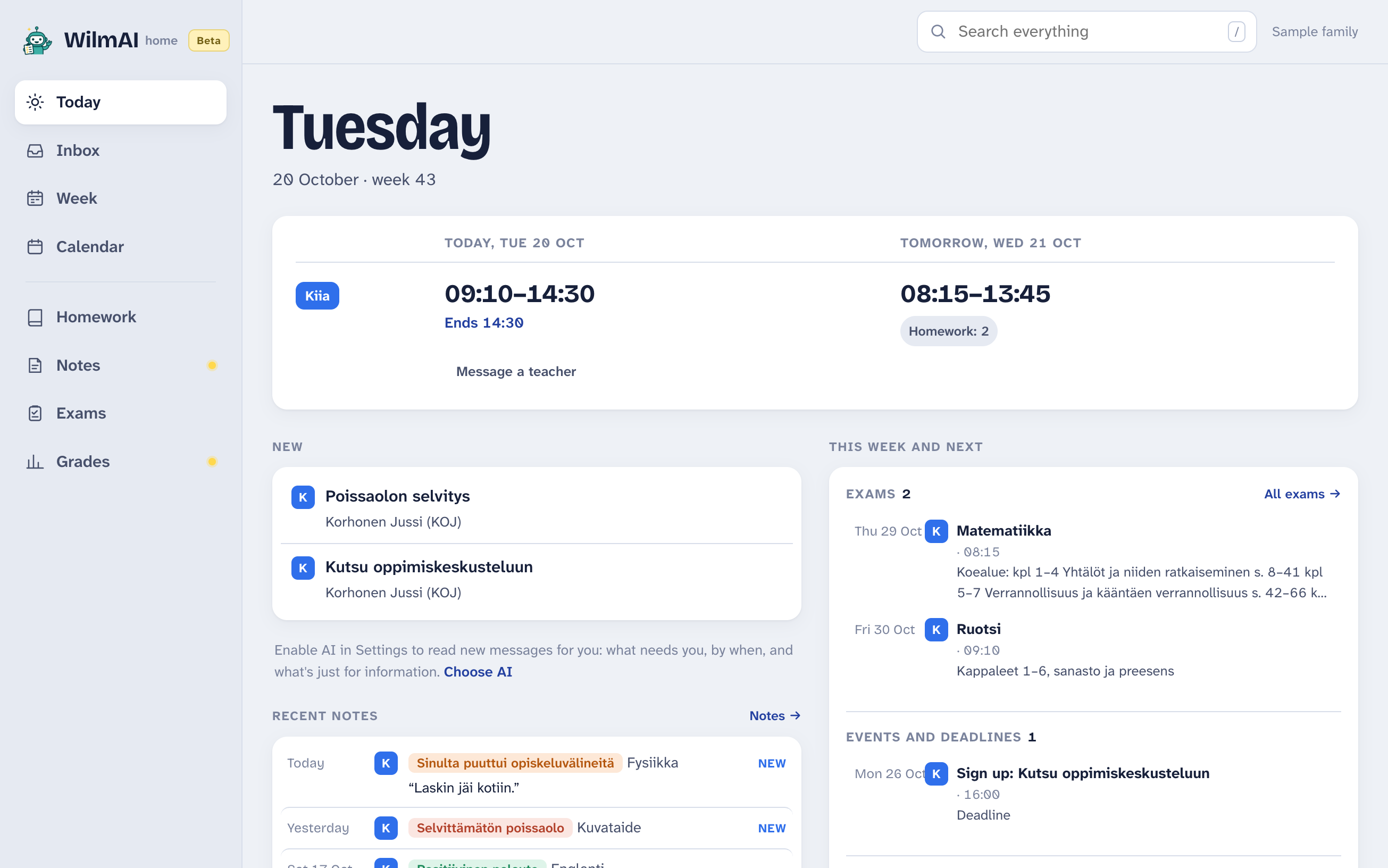
WilmAI Home for a student: one pupil's day, with lessons, homework, exams and messages.
  • Your day at a glance: lessons, homework, coming exams and new messages on one screen.
  • Messages that read like messages: a thread in order, the newest marked, and a reply in a click.
  • Exams and grades: what's coming up, every result with its trend, and the report card.
  • A notification when something needs you, and the evening before a deadline. On Mac and Windows.
  • Quick to get around: ⌘K or Ctrl+K finds any message or note, the keyboard moves through your inbox, and dark mode follows your computer.
For parents

All your children in one place

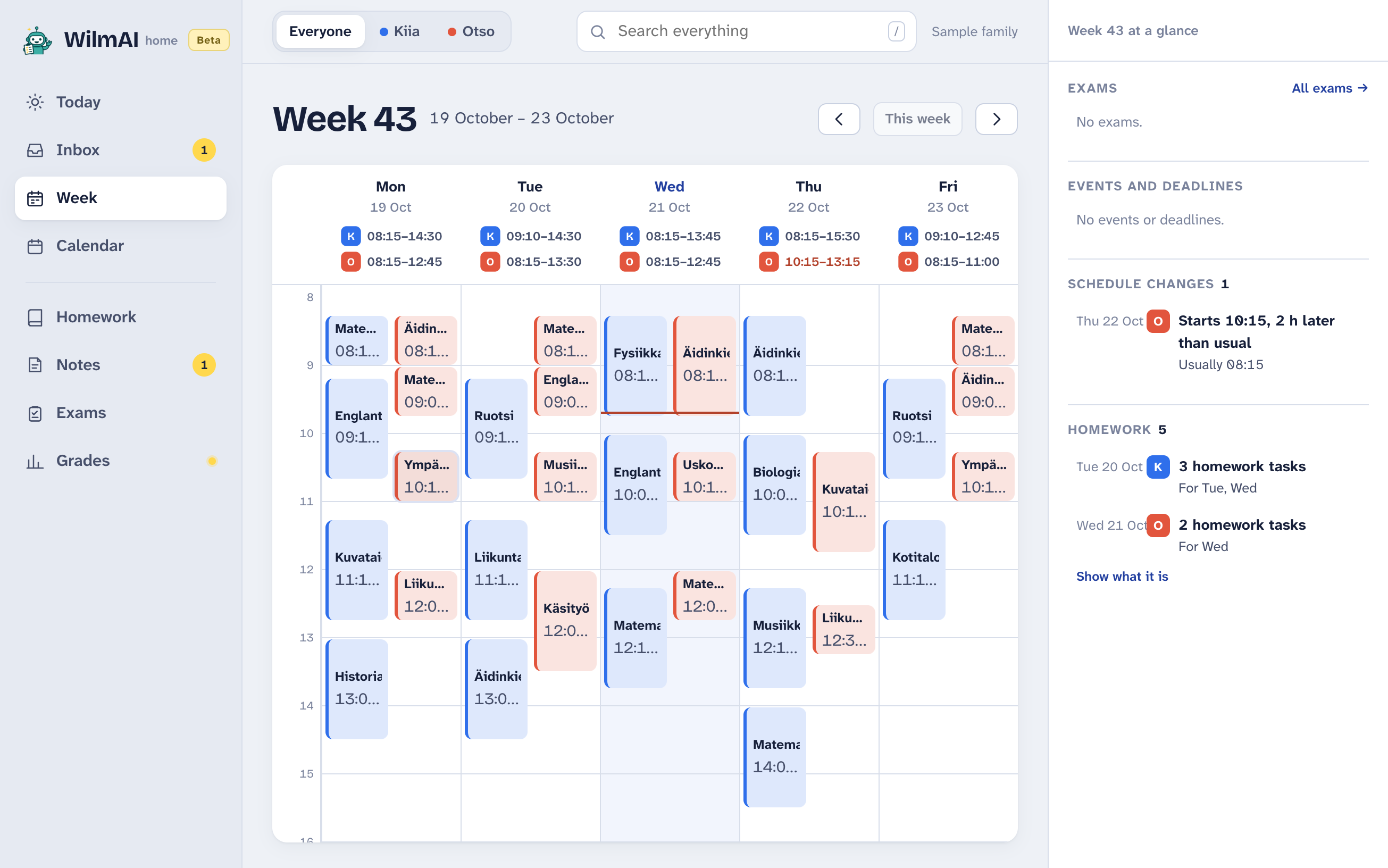
WilmAI Home for a parent: two children's week side by side.
  • Every child side by side: timetables, homework, exams, grades and teachers' notes, without switching between children.
  • Act without opening Wilma: reply to teachers, sign up for parents' evenings, report an absence.
  • A notification when something needs you, and one click to sign back in when Wilma signs you out.
  • Supercharge it with AI, if you want: it reads every message, bulletin and teacher's note, and puts what needs you first, with the deadline.

why it exists

Wilma has everything. Finding it shouldn't take ten clicks.

Messages, timetables, homework, exams and grades are all in Wilma, each behind its own page.

WilmAI Home puts them in one view that opens in a second, and you can act right there: reply, sign up, report an absence.

I built it over a weekend. My family uses it every day.

AI is optional

AI, if you want it

The app is complete without AI. Turn it on in Settings, and it reads everything new for you and puts what needs you first. You can change your mind any time.

Default

No AI

Everything Wilma has, in one fast app. Nothing picks out what needs you or by when, and notifications come only for what Wilma itself flags, like sign-ups.

Free

Recommended

OpenAI

Fast and accurate. You add your own OpenAI API key, so it runs with your permission and on your account: OpenAI bills you directly, usually tens of cents a month for a family. You set a monthly limit in the app.

Your own API key · tens of cents a month

How to get a key ↓
On your Mac

Local AI

Everything is read on your Mac, and nothing goes to an AI service. But it's a big download, and it works the computer hard. It's also slower than OpenAI and makes more mistakes, especially with dates.

Apple Silicon with 16 GB of memory · 9.1 GB download

if you choose OpenAI

How to get an OpenAI API key

An API key is like a password that lets the app use OpenAI on your account. Getting one takes about five minutes and a payment card. A ChatGPT subscription doesn't cover it: OpenAI bills its API separately.

  1. Sign in to OpenAI's developer site

    Use your ChatGPT login if you have one, or create an account. platform.openai.com ↗

  2. Add $5 of credit

    Under Billing, add a payment card and buy credit. $5 is the smallest amount, and for a family it usually lasts many months; unused credit expires after a year. Turn off auto-reload, which is on at first, so nothing more is charged without you. Billing ↗

  3. Create a key

    On the API keys page, choose Create new secret key, name it WilmAI Home, and copy it. OpenAI shows the whole key only once. Leave Permissions on All (a read-only key won't work), and if it asks when the key expires, pick the longest time or none; an expired key just needs a new one, made the same way. API keys ↗

  4. Paste it into the app

    In WilmAI Home, open Settings, choose OpenAI, paste the key and choose Turn on. The app tries it right away, keeps it on your computer, and sends it only to OpenAI.

If the key ever gets out, delete it on the same page and make a new one. OpenAI's Billing page shows what you've spent, and the app stops at the monthly limit you set.

it's a beta

Before you try it

Found a bug? When you report it, please leave out messages, children's names and logins. Report a problem on GitHub →

good questions

FAQ

Do I need to use AI?

No. The app starts without AI and shows everything Wilma has. Without AI, though, nothing picks out what needs you or by when, and notifications come only for what Wilma itself flags, like sign-ups. You can turn AI on or off any time in Settings.

Can I run local AI?

If your Mac has Apple Silicon (M1 or newer) and at least 16 GB of memory, yes. Choose Local AI in Settings, and the app downloads the models once, 9.1 GB. It works the Mac hard, and it's slower and less accurate than OpenAI, especially with dates. On other computers the choice is greyed out.

Can students use it?

Yes. Sign in with the student's own Wilma account and choose “A student”. The app then reads things from the student's side: what they need to do themselves, not what's meant for their guardians. Sign-ups and absence reports stay with the guardians.

What does it cost?

The app is free. If you choose OpenAI, OpenAI bills your own key: in my family it has been tens of cents a month, even with me testing it all the time. The app stops at a monthly limit you set, from 50 cents to $3.

What does OpenAI see?

Only if you choose OpenAI: one message, bulletin or note at a time, with your children's first names and classes so it can tell who it's about. Your Wilma password never goes there. With local AI or no AI, nothing goes to an AI service.

Where is my data?

On your computer. Messages, timetables and AI answers are stored in the app so it opens instantly. There is no WilmAI server. Your Wilma password goes only to your school's Wilma; the app can remember it on your computer, scrambled, so signing in again takes one click.

Why isn't it a website?

I'd like it to be. But a website can talk to Wilma only if Visma allows it, and I don't have Visma's permission, so browsers block those requests. An app on your own computer can talk to Wilma directly, the way your browser does when you use Wilma, and your login stays with you.

Why not a phone app?

I'd like to make one, and maybe I will. But a phone app has to go through the App Store, and Visma could ask for it to be taken down, because it uses Wilma without their permission. A desktop app needs no store. It's my way of showing what a modern Wilma could look like.

How is it different from WilmAI for AI assistants?

WilmAI for assistants lets Claude, ChatGPT or another assistant read Wilma for you, and it only reads. WilmAI Home is an app you use yourself, with AI or without, and it can also send replies, sign-ups and absence reports. You can use either, or both.

Download WilmAI Home

Mac 0.1.3 Beta

Apple Silicon (M1 or newer) · macOS 13.3 or later

Download ↓

Windows 0.1.3 Beta

Windows 10 or 11 · 64-bit

Download ↓
How installing works

The Mac app isn't signed by Apple yet, so macOS stops it the first time: choose Done, then open System Settings → Privacy & Security and choose Open Anyway for WilmAI Home. After that it opens normally.

On a Mac, the first time

The Windows installer isn't signed yet, so your browser may hold the download as not commonly downloaded. In Edge, point at the download and choose … → Keep, then Show more → Keep anyway. Windows warns once more before the first start: choose More info, then Run anyway. It installs for you only, with no administrator rights, but a school computer's settings may still block it.

On Windows, the first time
Downloading, in EdgeStarting it

The Mac download includes optional local AI. Its 9.1 GB of models download only if you turn local AI on.

No Linux version yet. WilmAI for AI assistants works there →

a note from me

WilmAI Home is my experiment in what Wilma could be. It's a beta, and all feedback helps: what breaks, what's confusing, and what you'd want next.

— Antti

Give feedback on GitHub